

Rich Results Checker Tools That Actually Show What Google Sees

Validate structured data with Google’s Rich Results Test, then cross-check it against the independent Schema.org Markup Validator, the first confirms eligibility for Google-supported rich results, the second flags spec compliance issues across the broader schema vocabulary. Run both before publishing, retest the live URL within an hour of deploy (CDNs and caching plugins routinely strip JSON-LD that worked in staging), then watch Search Console’s Enhancements report for actual SERP feature appearances over the following two weeks. Validation says your code is readable; Search Console tells you whether Google decided to display it. Eligible doesn’t mean displayed.
What Rich Results Checkers Actually Test
Rich results checkers perform four core validation tasks. First, they parse your structured data syntax, JSON-LD, Microdata, or RDFa, to catch formatting errors like missing commas, unclosed brackets, or incorrect nesting that would prevent crawlers from reading your markup. Second, they test eligibility against Google’s current rich result taxonomy: does your recipe schema include required properties like cookTime and recipeInstructions? Does your product markup specify price and availability per the Schema.org Product specification? Third, they simulate mobile and desktop rendering because Google indexes mobile-first; a checker flags if your structured data loads on desktop but fails on smaller viewports due to lazy-loading scripts. Fourth, they map your markup against Google’s shifting guidelines, which change as new rich result types launch or restrictions roll out.
Quick vocabulary
- Structured data
- Machine-readable annotations on a page that describe entities (products, recipes, articles) using a controlled vocabulary, primarily Schema.org.
- JSON-LD
- JavaScript Object Notation for Linked Data, Google’s preferred structured data format; lives in a
<script type="application/ld+json">block. - Microdata / RDFa
- Inline alternatives to JSON-LD that embed markup directly into HTML attributes. Still valid, but harder to maintain.
- FAQPage
- A Schema.org type for question-and-answer pages. Since August 2023, eligible for rich results only on “well-known, authoritative government and health websites.”
- HowTo
- A schema type for step-by-step instructions. Restricted to desktop in August 2023, then removed from rich results entirely shortly after.
- Eligibility vs display
- Validators confirm eligibility (your code is readable and complete); display is Google’s downstream decision based on quality, authority, and policy filters.
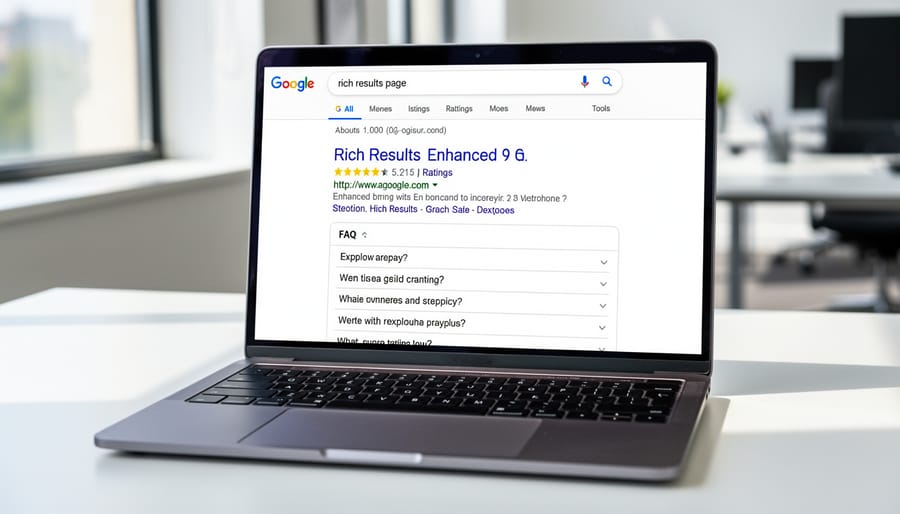
Most checkers return three outputs: a pass/fail verdict, a list of detected errors with line numbers, and a preview of how your result might appear in search. The preview is aspirational, passing validation does not guarantee Google will display your rich snippet, since algorithmic quality filters and policy changes can still suppress enhancements (your validator might pass but Google’s index can still refuse). Checkers also differ in freshness; Google’s official tools update within days of guideline changes, while third-party validators may lag weeks behind.
Validation says your code is readable; Search Console tells you whether Google decided to display it.
Understanding what each tool tests helps you diagnose whether an issue is technical (broken code), semantic (wrong schema type), or competitive (markup is valid but Google chose a rival’s result instead). In most cases, the diagnosis lands on the second category, not the first.
Top Rich Results Checker Tools (Tested)
Four classes of tool cover the validation workflow end to end, each with a clean job to do and a known trade-off:
| Tool | What it validates | Best for | Trade-off |
|---|---|---|---|
| Google Rich Results Test | Google-supported types only, rendered with their crawler | Confirming eligibility for Google rich result features and previewing the snippet | Silent on non-Google schema types and downstream display decisions |
| Schema.org Markup Validator | Full Schema.org vocabulary, syntax + spec compliance | Article, Organization, BreadcrumbList, anything Google doesn’t surface but still belongs in your graph | No rich result preview, no Google policy filter |
| Bing Markup Validator | Microdata, RDFa, schema.org, OpenGraph, microformats | Cross-engine sanity check, especially when targeting non-Google traffic | Requires a Bing Webmaster Tools account; updates lag Google’s |
| Third-party (Merkle, OnCrawl, Sitebulb) | Batch validation across hundreds or thousands of URLs | Catalog rollouts, ongoing monitoring, regression alerts after deploys | Schema definitions can lag the official tools by weeks |
Google’s Rich Results Test
Google’s Rich Results Test is the official validator from the search team. Paste your URL or code snippet, and it renders your page to check for supported structured data types, recipes, products, events, and the rest of the supported set. It catches syntax errors, missing required fields, and warns when markup won’t trigger enhancements.
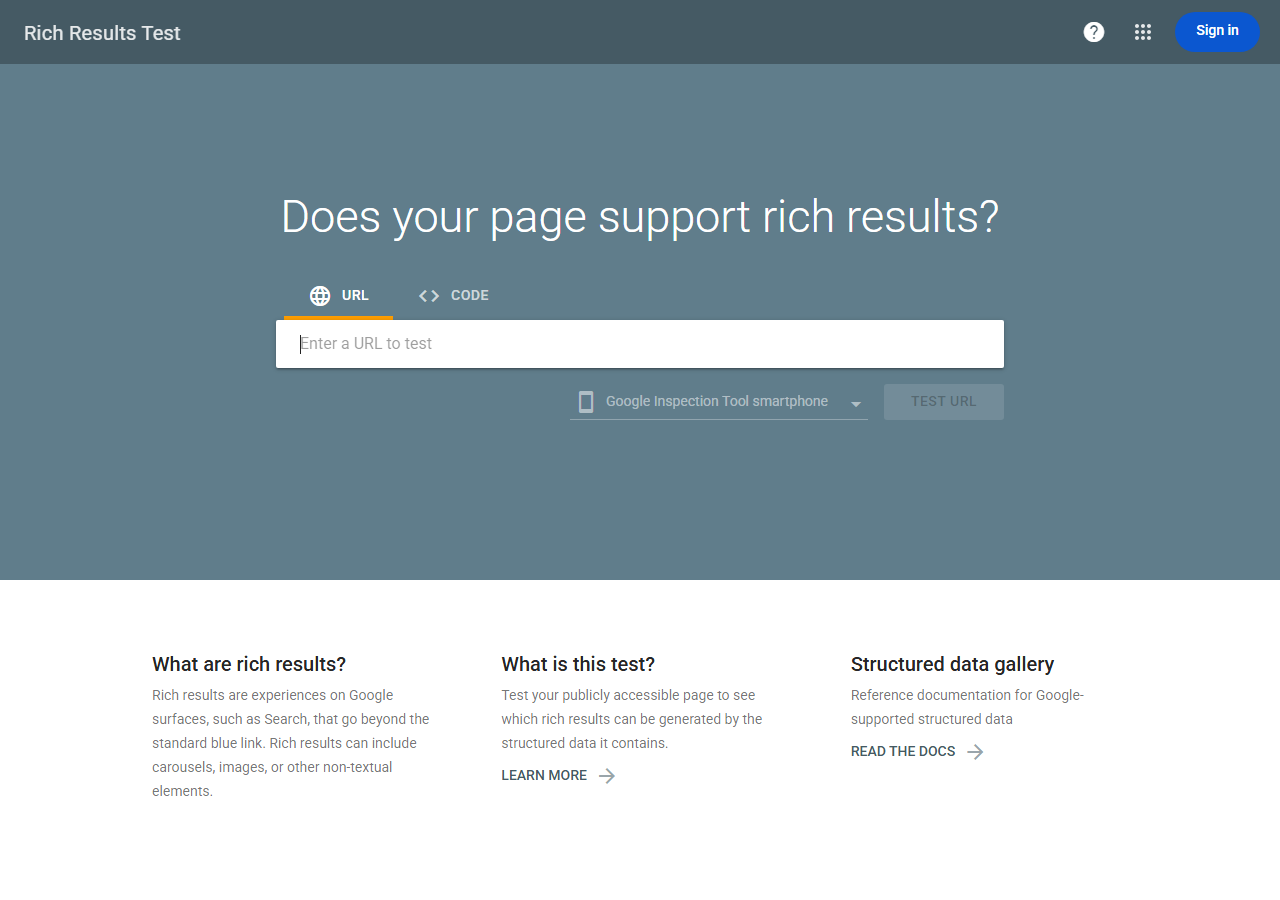
What it misses: nuanced ranking signals, mobile usability issues unrelated to schema, and whether Google will actually show your rich result in practice. Trust it for technical validation and markup debugging, but pair it with Search Console’s Performance reports to confirm real-world SERP appearances. For most teams, this is the first stop and, honestly, the last word on “did we ship valid markup.”
Pro tip
Always test the live URL, not the code snippet. The code-snippet mode skips rendering, which means lazy-loaded JSON-LD, CDN-stripped scripts, and caching plugin interference all pass silently. The URL mode runs Google’s actual crawler against the live page, the only check that reflects what Googlebot sees.
Schema.org Markup Validator
The independent Schema.org Markup Validator parses structured data syntax, JSON-LD, Microdata, RDFa, against the canonical Schema.org vocabulary, which is broader than what Google supports. It catches missing required properties, type mismatches, and nesting errors that prevent rich results from triggering.
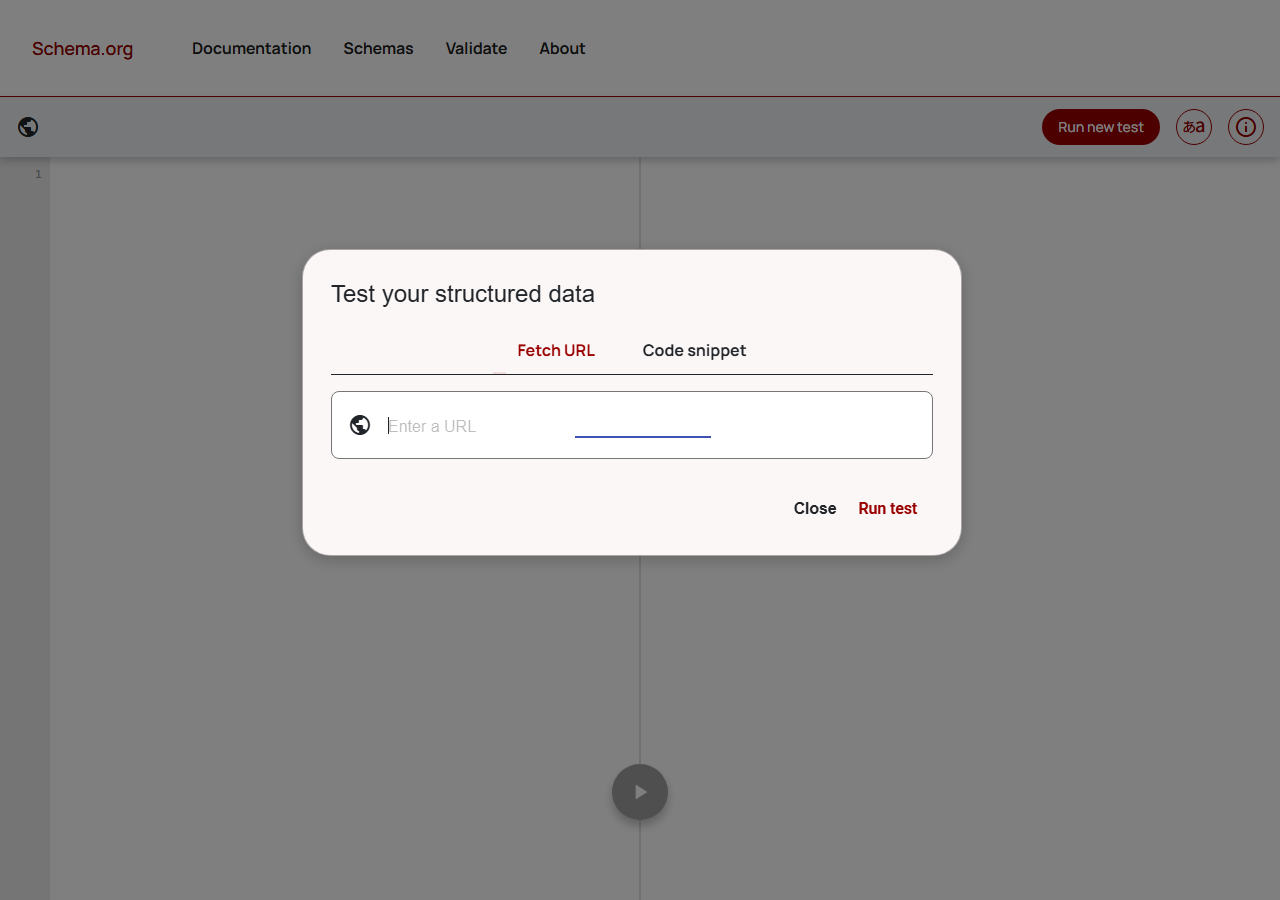
The line-by-line error reports cite the relevant Schema.org spec, so you can fix issues at the source rather than guessing what Google’s tester wanted. Use it whenever Google’s tool throws a vague error or when you’re working with a schema type Google doesn’t yet have a rich result for, Article, Organization, BreadcrumbList, but that still belongs in your structured data graph.
Third-Party Checkers Worth Using
A few specialized checkers solve workflow problems Google’s tools don’t.
Merkle’s Schema Markup Generator includes a batch testing feature that crawls multiple URLs and exports a spreadsheet of structured data warnings across your site, useful for SEO teams managing large catalogs or rolling out structured data across hundreds of pages.
OnCrawl and Sitebulb (enterprise crawlers) track structured data health over time and alert you when markup breaks after site updates, integrating validation into ongoing technical SEO monitoring rather than one-off checks. Worth the spend if you deploy frequently or use a CMS where theme/plugin updates have historically broken your schema.

FAQ and HowTo Schema: What Changed in 2023
Pre-2023, FAQ and HowTo schema were among the highest-ROI rich result formats, regularly delivering double-digit CTR lifts on informational pages. That changed in August 2023 when Google restricted FAQ rich results to “well-known, authoritative government and health websites” and limited HowTo rich results to desktop only, then later removed HowTo support entirely (I watched the August 2023 FAQ restriction take out a client’s 212% CTR overnight).
Here’s the thing, the validation tools didn’t change. You can still mark up FAQs with FAQPage schema, run them through the Rich Results Test, and see “Valid”, but the result will not appear in search for the vast majority of sites. This is the canonical example of why eligibility does not equal display: passing the checker confirms readable code, but Google’s policy filter sits downstream of validation.
Watch for
Don’t strip FAQ schema from existing pages just because the SERP feature is gone. Voice assistants, AI overviews, and other downstream consumers still parse it. The harm comes from investing new effort into FAQ markup as a SERP-feature play, not from leaving existing markup in place.
For most sites today, the FAQ schema you already have on your pages is doing nothing in SERPs. It’s not harmful, keep it if it’s there, since voice assistants and other consumers still parse it, but don’t expect CTR uplift. Redirect that effort to schema types that still trigger features for non-government sites: Product (price, availability, review badges), Recipe (image carousels), Event (date and venue), Article (top-stories carousel), VideoObject (key moments), and BreadcrumbList (URL path display).
Case Study: Product Schema That Failed (And Why)
A regional e-commerce site added Product schema to 500 SKUs, watched the Rich Results Test return “Valid” across the board, then waited. Nothing appeared in search results for three months. (I’ve watched the same pattern play out on three client audits in the last year alone.)
The problem wasn’t the markup, it was eligibility. Google’s validator checks syntax and required properties, but displaying rich results depends on additional signals: crawl budget, domain authority, user engagement metrics, and category-specific policies. The site sold collectibles, a vertical where Google applies stricter manual review to prevent spam. Actually, scratch that, the manual-review angle was secondary; the bigger issue was that collectibles trigger the spam-flag heuristic before any human ever looks at the page.
Three gotchas emerged. First, the schema passed validation but included placeholder review markup with fake aggregate ratings, triggering a manual penalty under the Search Quality Rater Guidelines’ deceptive practices rules. Second, the site’s robots.txt accidentally blocked critical image assets, so Google couldn’t render product previews. Third, the pages lacked sufficient textual content beyond product specs, Google’s quality threshold filtered them out.
Troubleshooting revealed the real issues. Search Console’s Enhancements report showed “Valid” status but zero impressions, a red flag that validation alone doesn’t guarantee display. A manual crawl using the URL Inspection tool exposed the blocked images. Removing fake reviews, unblocking assets, and adding descriptive buying guides restored eligibility within six weeks.
This highlights why rich results fail even when checkers say otherwise. Validation confirms your code is readable; eligibility confirms Google trusts your content enough to enhance it. In my experience, always cross-reference checker results with Search Console performance data and manual spot-checks to catch silent failures before they cost months of visibility.
How to Use a Checker Before and After Publication
Run your checker twice: before you publish and immediately after going live. Pre-launch, paste your staging URL or raw HTML into the Rich Results Test to catch missing properties, malformed JSON-LD, or unsupported schema types. Fix errors, validate again, then deploy. Post-publish, retest the live URL within an hour, servers sometimes strip markup, CDNs can mangle scripts, and caching plugins occasionally break structured data that worked in staging, much like testing in production reveals issues invisible in dev environments.
Validation workflow
Set a monthly calendar reminder to spot-check key pages in Search Console’s Enhancements report. If rich results vanish from search, verify your markup still renders in the source code, confirm no plugin or theme update removed it, check Search Console for new validation errors, and resubmit the URL for indexing. New algorithm rollouts and stricter policy enforcement (the FAQ/HowTo restriction is the textbook example) can disqualify previously valid markup, so compare current guidelines against your schema. And in most cases, consistent monitoring catches regressions early, preserving visibility before traffic drops.

Common Rich Results Errors and Quick Fixes
Look, the same handful of errors account for most validation failures. Here’s the short list and the fix for each, so you spend less time re-reading Schema.org specs and more time shipping working markup.
Rich results checkers confirm your markup is valid, not that Google will display it. Even error-free structured data may not earn stars, carousels, or product badges, since eligibility shifts with Google’s evolving policies, content quality signals, and competitive thresholds. Test markup, monitor impressions for each rich result type in Search Console, and revisit your schema annually against the current supported-features list. Validation is the starting line, not the finish.
✓
Worth the effort for
- ›Product schema on e-commerce catalogs
- ›Recipe, Event, and VideoObject pages
- ›Article markup on news and editorial content
- ›BreadcrumbList for clear URL-path display
- ›Post-deploy validation within the first hour
✗
Skip it for
- ›New FAQ markup as a SERP-feature play
- ›HowTo markup expecting rich result display
- ›Fake or placeholder review markup
- ›Schema on thin pages with little supporting content
- ›Treating “Valid” as a guarantee of display
Truth is, the validator is the cheapest part of the workflow. The real cost is the policy and quality work downstream, the bits Search Console measures and the human reviewer occasionally arbitrates.
Try it this week
Validate your five highest-traffic pages. Cross-check with Search Console.
-
1
Open GA4 or Search Console. Pull your top five pages by clicks over the last 28 days. -
2
Run each URL through the Rich Results Test and the Schema.org Markup Validator. Note every error and warning. -
3
Open the Enhancements report. Compare “Valid” counts against actual impressions, that gap is your eligibility-versus-display story for each rich result type.
Validation alone is a hollow win, the value is in pairing the validator’s verdict with the impressions report, where Google’s policy filter quietly shows its hand.
Related guides
- Why Structured Data Isn’t Triggering Rich Results, Troubleshooting eligibility filters when validation passes but search results stay plain.
- Core Web Vitals Testing in Production, Why staging-only tests miss the regressions that actually hit users.

