

Google Backlink Search Reveals the Hidden Rot in Expired Domains

Query Google Search Console for backlink reports if you already own similar domains, it reveals which sites link to you and flags sudden drops that signal toxicity. Cross-reference any expired domain’s backlink profile in Ahrefs or SEMrush against known spam networks; domains with clusters of PBN links, exact-match anchor text ratios above 30%, or links from penalized sites carry high SEO risk. Pull the domain’s Internet Archive snapshots to verify historical content matched its backlink sources, a health blog suddenly acquiring casino backlinks indicates manipulation. Check Google’s indexed pages using site:domain.com to spot deindexing or manual penalties before purchase.
Acquiring an expired domain with toxic backlinks can trigger Google penalties on your new site, wasting acquisition costs and months of recovery work, fast risk assessment before committing budget is the difference between an asset and a liability.
What Google Backlink Search Actually Shows You

Search Console vs. Third-Party Tools
Google Search Console’s Links report shows the backlinks Google has indexed to your domain, complete, free, and straight from the source. Third-party tools like Ahrefs, Majestic, and Moz crawl the web independently, often discovering links faster and surfacing domains Google hasn’t indexed yet. Search Console reports what Google actually counts for ranking; the commercial tools reveal the broader link landscape, including the toxic neighborhoods you need to audit before acquiring an expired domain. Both, in most cases.
Quick vocabulary
- Referring domain
- A unique website linking to yours, regardless of how many individual pages on that site point back. The headline metric for link diversity.
- Anchor text
- The clickable words inside a link. Exact-match commercial anchors above 30% are the clearest manipulation signal in the dataset.
- Link velocity
- The rate at which a domain acquires new backlinks over time. Sudden spikes after dormant periods usually signal purchased links.
- PBN footprint
- Shared infrastructure (IPs, registrars, themes, WHOIS) that exposes a private blog network as a single coordinated operator.
- Disavow
- A Search Console submission that asks Google to ignore specific backlinks when assessing your site’s profile. Used to cut ties with toxic inheritance.
For vetting expired domains, check both. Use Search Console to confirm Google sees valuable links and hasn’t applied manual penalties. Cross-reference with Ahrefs or Majestic to catch recent spam campaigns, PBN footprints, or link velocity spikes that haven’t reached Google’s index. Search Console lags by days or weeks; third-party crawlers update continuously.
Coverage gaps matter most when evaluating risk. If Ahrefs shows hundreds of sketchy anchors but Search Console is clean, investigate timing, those links may be in Google’s queue. Or, honestly, they may already be disavowed by a previous owner and never re-crawled. Discrepancies signal either crawl delays or deliberate link removal attempts worth scrutinizing closely.

The Metrics That Signal Trouble
Four patterns reliably expose troubled backlink profiles (I’ve shortlisted hundreds of expired domains this way, and the same four keep surfacing). Sudden link drops, losing dozens of referring domains in a short window, suggest penalties, expired PBNs, or mass de-indexing events. Spammy anchor text clusters reveal manipulation: if 70% of anchors are exact-match commercial phrases rather than branded or natural language, the domain likely participated in link schemes explicitly named in Google’s spam policies. Toxic referring domains, sites flagged for malware, adult content, or thin affiliate farms, pass algorithmic distrust and manual action risk. Unnatural velocity changes matter too: acquiring 500 links in one month after years of dormancy signals purchased links or sudden scraping. Cross-reference these signals using Google Search Console’s link report, third-party tools like Ahrefs or Majestic, and manual spot-checks of the top 20 referring pages to confirm context and relevance before committing to any expired domain.
Vetting an Expired Domain’s Backlink Profile Step-by-Step
Pull and Export the Full Backlink List
Google Search Console gives you up to 16 months of backlink history for free, navigate to Links in the left sidebar, then export the full list under “Top linking sites” and “Top linking pages.” The raw data includes source URLs, target pages, and discovery dates, which is sufficient for basic domain vetting. For most teams, that’s already enough to kill 60% of candidates before paying for a third-party crawl.
Vetting workflow
For deeper coverage, pair GSC data with third-party crawlers like Ahrefs Site Explorer or Majestic, which maintain larger historical indexes and catch links Google may have pruned from its public reports. Export both datasets as CSV files, then merge them in a spreadsheet to identify overlaps and gaps. Two CSVs, one VLOOKUP. This dual-source approach reveals the complete backlink footprint, critical when assessing whether an expired domain carries penalty risk or genuine authority. Cross-reference suspicious patterns (sudden spikes, foreign-language anchors, known link farms) across both tools to confirm red flags before purchase.
Filter Out PBN Footprints and Spam Networks
Private blog networks (PBNs) and link farms systematically degrade domain value, and Google’s backlink data reveals their telltale patterns. Here’s the thing: start by checking if multiple backlinks share identical IP blocks, hosting providers, or WHOIS records (the auctioneers see this too, but they won’t price it in for you); legitimate sites rarely cluster this way.
| Signal | Natural profile | PBN footprint |
|---|---|---|
| Anchor text | Varied, branded, generic (“click here”, “this guide”), and partial-match phrases | Keyword-stuffed exact-match anchors recycled across dozens of domains |
| Hosting / IP | Distributed across many hosts, networks, and geographies | Multiple linking sites share IP blocks, ASN, or budget hosting providers |
| WHOIS registration | Independent registrants, dates, and registrars per linking site | Bulk registrations on the same day or under the same email |
| Design and content | Distinct themes, voices, and editorial standards | Templated WordPress themes, boilerplate sections, thin posts |
| Link graph | Asymmetric, outbound to a varied web of authoritative sources | Circular interlinking among the same cluster of low-DR domains |
Examine anchor text diversity: PBNs often deploy keyword-stuffed anchors across dozens of domains, while natural link profiles show varied, branded, and generic anchors. Look for thin content and templated designs across linking domains, automated networks recycle themes and boilerplate text. Cross-reference domain registration dates; simultaneous bulk registrations signal coordinated schemes. Actually, scratch that, simultaneous bulk registrations on the same registrar are the signal, the dates alone aren’t enough since clean buyers also register batches. Use tools like Ahrefs’ “Linked domains” filter to spot domains linking to each other in circular patterns, a classic spam footprint.
Pro tip
Sort the merged backlink export by registrar and registration date before you sort by anchor text. Bulk registrations on the same registrar within a single week, paired with anchor text that overlaps across “independent” sites, is the cleanest PBN tell the data will give you.
If you inherit a compromised profile, prioritize toxic link cleanup before migration. PBN detection hinges on pattern recognition at scale, not individual link judgment.

Check Historical Penalties and Manual Actions
Past penalties can linger in Google’s index long after a domain expires. And they often do. Start with Search Console historical data if you have access, review Manual Actions and Security Issues tabs for any unresolved strikes. When Console history isn’t available, use the Wayback Machine to scan snapshots for thin content, keyword stuffing, or spammy footers that likely triggered algorithmic demotions.
Domains that lost authority after building manipulative link networks rarely regain trust, even post-expiration.
Compare traffic patterns in archived analytics screenshots or third-party tools like Ahrefs’ rank history: sudden drops in rankings often signal unrecovered penalties. Cross-reference these signals with backlink profiles, domains that lost authority after building manipulative link networks rarely regain trust, even post-expiration. If you spot penalty indicators, walk away or budget for extensive disavow work. Understanding these red flags helps you avoid PBN penalties and other inherited liabilities when acquiring expired domains.
Why Clean Backlink Profiles Matter for Link Building
When you acquire an expired domain, you inherit everything attached to it, including its backlink profile. That link equity can transfer to your site or network, but only if the domain’s history is clean. A domain with hundreds of spammy links from irrelevant directories, hacked sites, or link farms will drag down your rankings instead of boosting them.
Truth is, the cost of buying a toxic domain extends well beyond the purchase price. You’ll spend time disavowing links, rehabilitating the domain’s reputation, or abandoning the investment entirely. Google’s algorithms have grown sophisticated at detecting manipulative link patterns, and penalties, whether manual or algorithmic, can spread across your entire network if you’re building penalty-proof PBNs or interlinking properties.
Watch for
Inherited penalties don’t always announce themselves. A domain with no manual action in Search Console can still be algorithmically suppressed, the signal is a flat rank-history line in Ahrefs even when you push relevant content live for weeks.
Backlink hygiene protects your own assets. Before you point links from an expired domain to your money site, vet its history thoroughly. A single toxic domain in your link-building strategy can contaminate otherwise solid properties. Google’s backlink data reveals whether a domain earned links naturally or gamed the system, anchors stuffed with exact-match keywords, sudden link spikes followed by drops, or clusters of links from unrelated foreign-language sites all signal trouble.
Clean backlink profiles ensure that transferred equity strengthens rather than sabotages your SEO. The due diligence you perform during expired domain vetting directly determines whether your link-building investment pays off or penalizes you. Treat backlink audits as essential infrastructure, not optional housekeeping.
Tools and Workflows That Speed Up Vetting
Essential Tools for Backlink Analysis
Google Search Console remains the starting point: use the Links report to see which sites point to your domain, anchor text distribution, and top linked pages. Free, authoritative, and updated directly from Google’s index, but only available once you’ve verified site ownership.
The Google Search API offers programmatic access to backlink data at scale, useful when vetting multiple expired domains in batch. Requires technical setup and quota management, best suited to developers and SEO engineers running automated workflows.
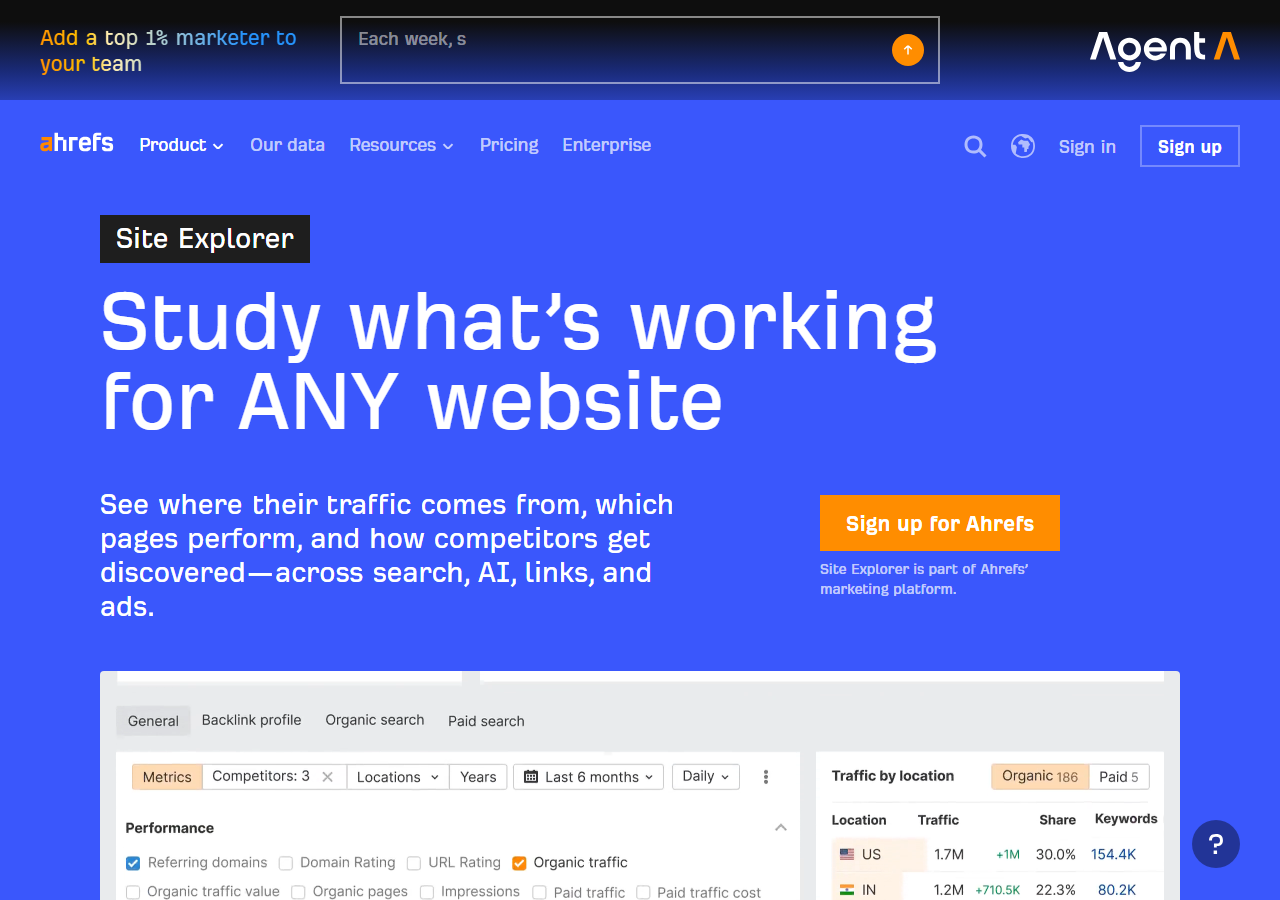

Third-party platforms fill gaps Google doesn’t expose. Ahrefs and Semrush provide historical backlink profiles, spam scores, and competitor comparison, critical when assessing whether an expired domain’s link equity is genuine or artificially inflated. Moz’s Link Explorer flags potentially toxic links before you inherit them. In my experience, Ahrefs’s referring-domain history chart is the single most decisive view when a domain looks borderline.
Each tool answers different questions: Google confirms what exists now, APIs enable automation, and commercial platforms reveal risk signals and historical context you can’t get elsewhere.
Automated Vetting Checklist
Use this checklist to score each expired domain from 0–100 before purchase:
Start with a baseline of 50 points. Add 10 points if the domain has 25+ referring domains from Google Search Console or Ahrefs. Subtract 20 points if you spot anchor text stuffing, unnatural keyword repetition, or links from known link farms. Subtract 30 points if Wayback Machine shows adult content, pharma spam, or foreign-language doorway pages. Add 5 points for each high-authority backlink from .edu or .gov domains. Subtract 15 points if the domain was penalized or deindexed in the last three years.
Domains scoring 70+ warrant deeper manual review. Scores below 40 are automatic rejections. Between 40–69, consider context: niche relevance, redirect strategy, and how you’ll measure link building success post-acquisition.
Automate scoring with spreadsheet formulas or Python scripts that pull API data from your backlink tool, flag toxic patterns, and surface only top candidates for human judgment.
Putting Google Backlink Search to Work
Google backlink search is your first line of defense when vetting expired domains, skip it and you risk inheriting penalties, spam signals, or toxic link profiles that poison your site’s authority. Clean backlink profiles are non-negotiable: a domain with manipulative anchor text, foreign-language spam networks, or sudden link spikes will drag down rankings rather than boost them.
✓
Buy with confidence when
- ›Referring domains stay relevant to the original niche
- ›Anchor text leans branded, generic, and partial-match
- ›Link growth charts show gradual, multi-year accumulation
- ›Wayback snapshots match the inbound topic profile
- ›No manual action history visible in Search Console
✗
Walk away when
- ›Exact-match anchor ratio sits above 30%
- ›Linking domains cluster on the same IP or registrar
- ›Wayback shows pharma, casino, or adult pivots
- ›Sudden link velocity spikes follow long dormant periods
- ›
site:domain.comreturns zero or near-zero results
Use Search Console, third-party tools, and manual spot-checks to map every major link source before you commit. The best expired domains have natural, relevant backlinks from real sites, anything less compromises long-term SEO. Treat the scoring rubric as a forcing function: it converts a fuzzy gut call into a number you can defend in a buy-or-skip conversation with yourself a week later when the listing price drops and the temptation to rationalize creeps in.
Try it this week
Pick three expired domains on your shortlist. Score every one against the rubric before you bid.
-
1
Export the backlink list from Ahrefs or Majestic. Cross-check anchor distribution, referring-domain count, and IP clustering. -
2
Pull five Wayback snapshots spaced across the domain’s lifetime. Confirm topic continuity or flag the pivot. -
3
Apply the 0–100 rubric. Document the final score next to each domain in your shortlist and act on the threshold rule.
A documented score beats a fresh gut call every time, especially when the auction clock is ticking.
Related guides
- Spotting Expired Domains, Weekly process for surfacing topic-relevant expired domains before competitors find them.
- Cleaning Up Toxic Links, Disavow workflow for inherited or earned links that drag down rankings.

