

Your Expired Domain Might Be Poisoning Your SEO (Check Before You Buy)

Spend five minutes on a blacklist and reputation check before you buy any expired domain. Run it through MXToolbox or MultiRBL to sweep 100+ DNS-based blocklists, query Spamhaus DBL and SURBL for domain-level history, scan it through Google Safe Browsing and VirusTotal for malware flags, then click through Wayback Machine snapshots to see what the domain actually hosted under previous ownership. A single active listing, or one snapshot showing pharma spam from 2019, can cost months of deliverability and ranking work. The vetting is fast and the alternative is paying to inherit someone else’s penalty.
What Email Blacklists Actually Track (And Why They Matter for Domains)
Email blacklists are databases maintained by anti-spam organizations that flag IP addresses and domain names associated with spam, phishing attempts, or malware distribution. When a domain lands on one of these lists, email providers like Gmail, Outlook, and Yahoo reference them to decide whether incoming messages reach the inbox, get quarantined, or bounce entirely.
Quick vocabulary
- DNSBL
- DNS-based Blackhole List. A real-time query system mail servers ping to decide whether to accept a message from a given IP or domain.
- Spam score
- A composite reputation number (often 0-100, e.g. Validity’s SenderScore) summarizing how trusted a sending domain or IP is across major filters.
- Blacklist
- A list of IPs or domains flagged for spam, phishing, or malware. Listings can be permanent, time-decayed, or removed via formal delisting.
- Spamhaus
- One of the most widely consulted anti-abuse operators. Its DBL (Domain Block List) and ZEN (combined IP zones) are the most consequential lists to check.
- MX reputation
- The trust score attached to the domain’s mail-exchange records. Even with no outbound mail, a tainted MX history can suppress organic visibility.
These lists don’t just track current sending behavior, they record historical patterns. If you acquire an expired domain that was previously used to blast unsolicited emails or host phishing pages, that reputation follows the domain. Major blacklist operators like Spamhaus, SURBL, and Barracuda maintain records that can persist months or years after the original owner abandoned the domain.
The impact cascades beyond email. Search engines treat email reputation as a trust signal. A domain flagged for abuse suggests low-quality or malicious intent, which can suppress rankings even if you never send a single email yourself. Spam complaints, blacklist presence, and sender authentication failures correlate strongly with reduced organic visibility.
For anyone vetting expired domains, this creates a hidden risk. A domain might show clean backlinks and decent metrics but carry invisible email penalties that throttle deliverability and erode trust signals over time. Checking blacklist status before purchase reveals whether you’re inheriting technical debt that could take months to resolve through delisting requests and reputation rebuilding. The effort required to rehabilitate a tainted domain often exceeds the cost of finding a clean alternative.

The Three Blacklist Types That Kill Domain Value
IP Blacklists
Look, IP blacklists flag the server address hosting your domain, not just the domain name itself. If a previous tenant on that IP sent spam, you inherit the penalty when you point your domain there. This matters because many inbox filters check IP reputation before domain reputation. Switching hosts or requesting a clean IP often resolves the issue, but verify the IP is clean before moving a domain. Use tools like MXToolbox IP Blacklist Check or MultiRBL to scan the hosting IP alongside your domain check.
Pro tip
Run the IP check before you commit to a host, not after. A “clean” domain pointed at a shared IP that’s already in Spamhaus ZEN behaves exactly like a flagged domain at the inbox, your messages bounce anyway. Pick a host that publishes its outbound IP ranges and check them all.
Domain Blacklists
Domain blacklists target the domain name itself, not just the server IP, when that domain has a history of sending spam or hosting malware. This reputation follows the domain even if you switch hosting providers or clean up all technical issues (I once almost bought a domain that was in Spamhaus DBL for two years, and the Wayback looked fine). Checking domain-level blacklists before purchasing an expired domain is essential because these listings persist in email filters and can block your messages regardless of your infrastructure. Tools like Spamhaus DBL and SURBL specialize in domain reputation, flagging names previously used for phishing, malware distribution, or bulk spam campaigns. If a domain appears on these lists, rebuilding trust takes months or may prove impossible, making the domain worthless for email marketing or transactional messages.
DNS Blackhole Lists (DNSBLs)
DNSBLs are real-time query systems that mail servers ping before accepting messages, collective spam watchlists maintained by organizations like Spamhaus, Barracuda, and SORBS. When a domain lands on a DNSBL, incoming mail from that address gets rejected or quarantined at the server level, making these lists the most consequential for email deliverability. Before buying an expired domain, query 10-15 major DNSBLs simultaneously using tools like MXToolbox or MultiRBL; even one active listing signals serious reputational damage that can take months to repair, if delisting is possible at all. Sometimes never.
A single active listing, or one snapshot showing pharma spam from 2019, can cost months of deliverability and ranking work.
The three classes don’t behave identically and the audit treats them differently, here’s how the signals compare on a clean prospect versus a poisoned one:
| Signal | Clean domain | Poisoned domain |
|---|---|---|
| Spamhaus DBL / ZEN | No listings on either zone | Active listing, or a delisted entry within the past 12 months |
| DNSBL coverage | Zero hits across 100+ lists in MXToolbox | Two or more hits, particularly on SURBL, SORBS, or Barracuda |
| Google Safe Browsing | “No unsafe content found” | Any current or historic malware / deceptive-content flag |
| VirusTotal vendors | All 70+ engines clean across the detection history | Past flags from multiple vendors, especially malware or phishing categories |
| Wayback content | Consistent topic across snapshots; no sudden pivots | Pharma, casino, or thin-affiliate windows breaking up legitimate content |
| MX reputation | Stable MX history, no orphaned or burned sender domains | Frequent MX swaps, or current MX pointing at known abuse-prone hosts |
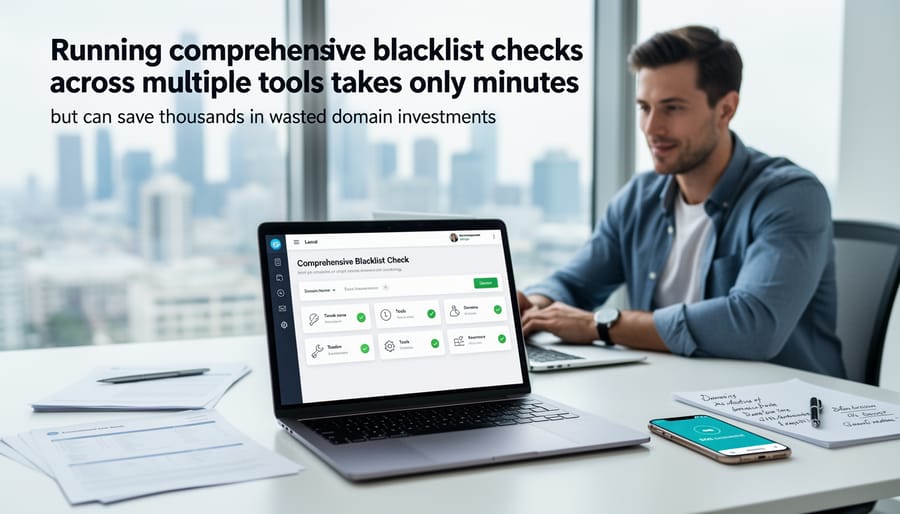
How to Run an Email Blacklist Domain Check in Under Five Minutes
Free Multi-Blacklist Checkers
These tools sweep dozens of blacklists in seconds, saving you from manual checks across individual databases.
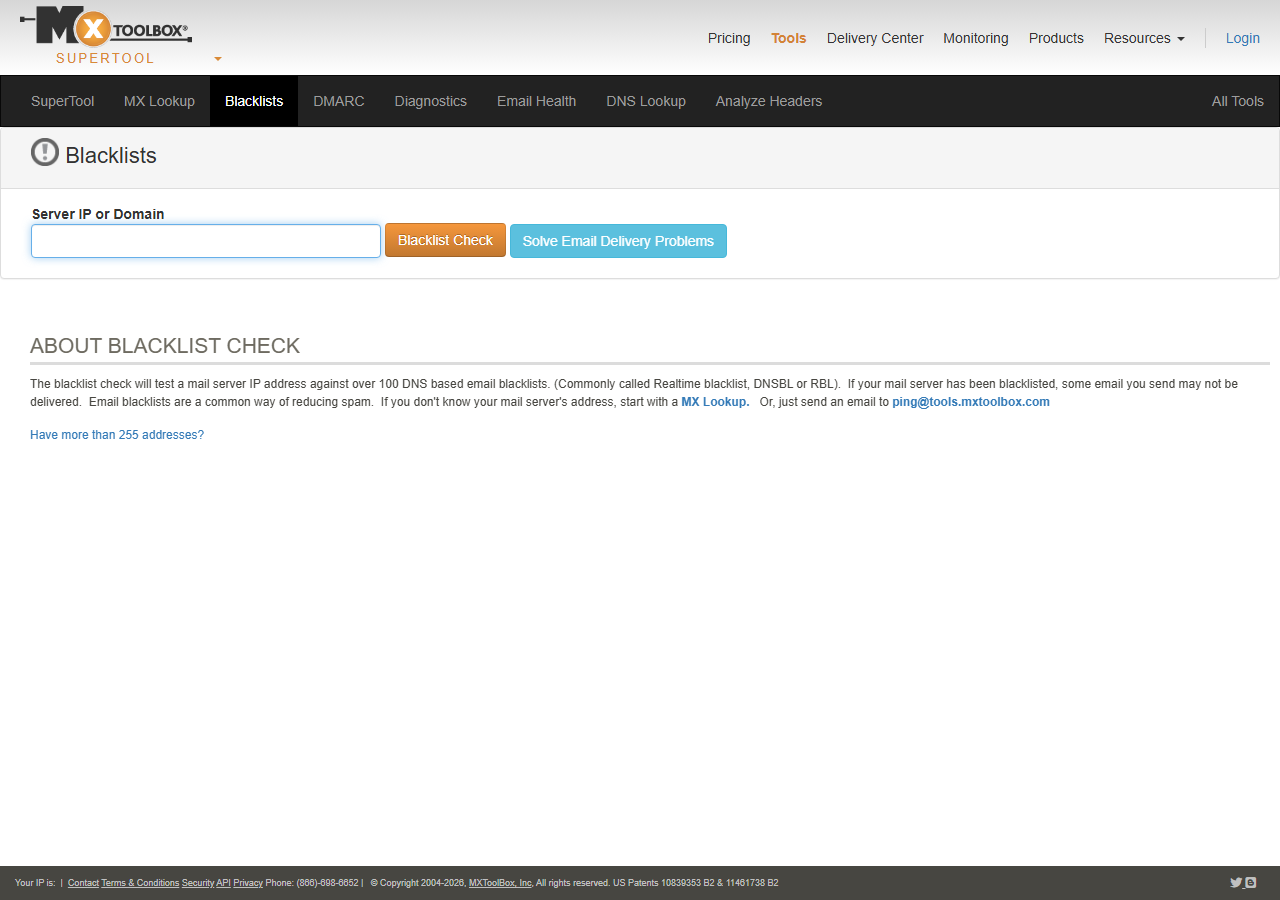
MXToolbox Blacklist Check queries 100+ DNS-based blacklists and mail server configurations in one pass, returning actionable removal links when a domain appears on a list, the default starting point for most pre-purchase vetting in most cases (MXToolbox flags it in seconds; the manual check costs you hours).
MultiRBL.valli.org checks against 200+ RBLs with a clean, no-nonsense interface and zero registration required. One of the most comprehensive free checkers available; useful when you want maximum coverage rather than just the major lists.
WhatIsMyIPAddress Blacklist Check scans 100+ lists and explains each result in plain language, including context about blacklist severity and typical delisting timeframes, helpful when you’re new to interpreting which flags actually matter.
Dedicated Domain Reputation Services
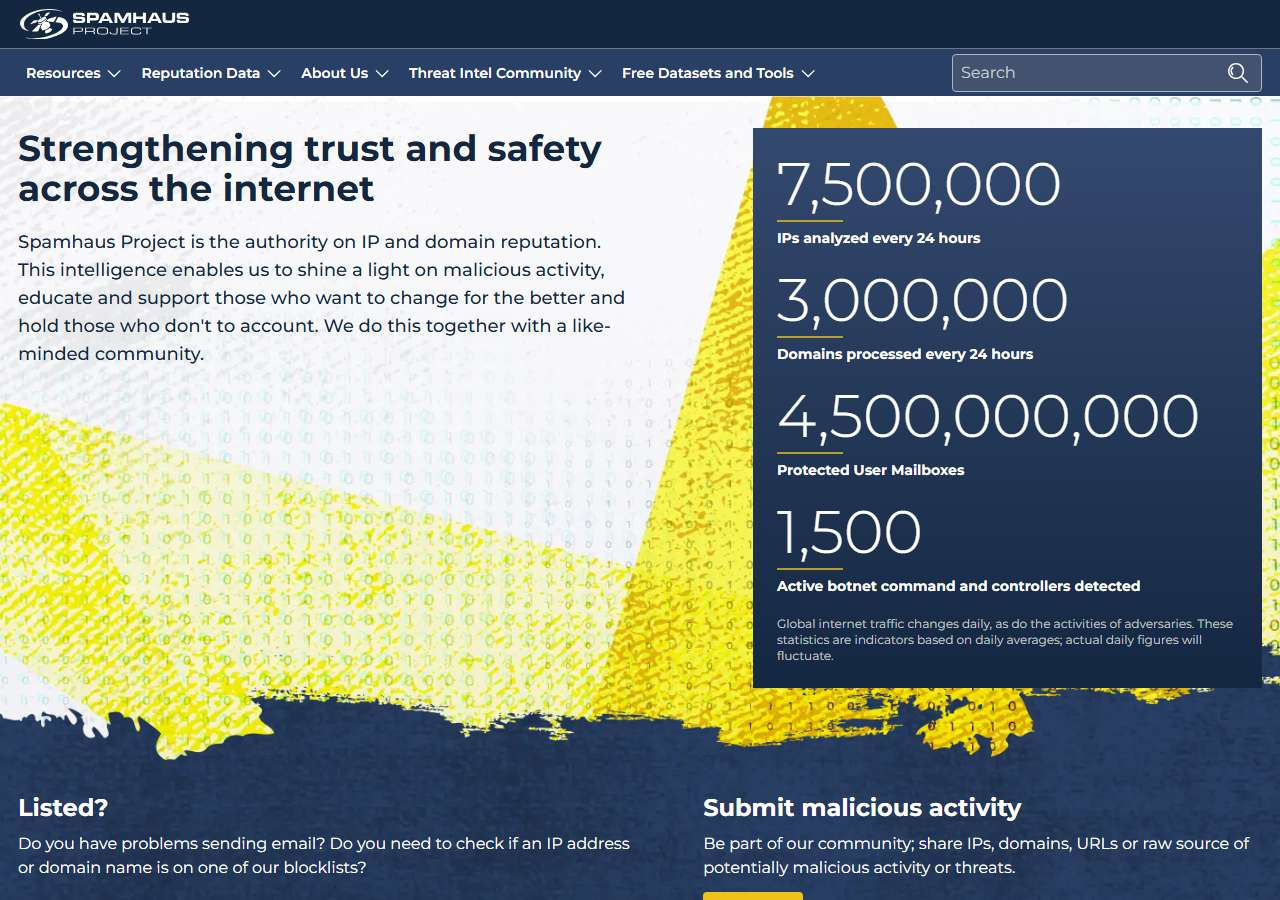
When free tools aren’t enough, paid reputation services provide historical blacklist records, sender scores, and delisting support that matter for high-stakes domains. Spamhaus Data Query Service unlocks full blocklist history and context behind listings, critical for understanding whether past infractions were temporary or systemic.
Validity Everest (formerly Return Path) offers SenderScore metrics that quantify your domain’s email reputation on a 0-100 scale, plus inbox placement data across major providers. Google Postmaster Tools remains free but requires domain ownership verification; it reveals domain and IP reputation, spam complaint rates, and authentication issues specific to Gmail delivery. These platforms shine when evaluating domains with ambiguous histories or when you need documentation for delisting appeals.
API Integration for Bulk Vetting
When vetting hundreds of domains at scale, manual checks become impractical. Expireddomains.net offers API access to query domain history, backlinks, and spam signals programmatically, useful for SEOs filtering large lists before purchase. DomainBigData provides bulk WHOIS and registration data to spot patterns across portfolios. Custom Python scripts using MXToolbox API, Apache SpamAssassin rules, and DNSBL queries let you automate blacklist scanning against multiple databases simultaneously, flagging risky domains before deeper analysis.
The 10-Minute Pre-Purchase Audit Workflow
The audit isn’t complicated, it’s just disciplined. Four checks in sequence, each one closing off a class of risk the previous one couldn’t see.
Pre-purchase poison check
The first three steps catch what scanners flagged. The fourth catches what they missed, because not every abusive deployment generated enough volume to trigger a list. A domain might have hosted phishing pages for six weeks before anyone noticed, actually make that two or three weeks in the cases I’ve seen, and the only proof now is a Wayback snapshot showing a fake login form where the bakery’s homepage used to be.
Malware History: The Other Half of Domain Vetting
Blacklist checks catch domains that sent spam, but they miss infections that never generated enough volume to trigger filters. A domain might have hosted phishing pages or distributed malware without touching email systems, invisible to DNSBL scans but still penalized by search engines and browsers.
Google Safe Browsing maintains a database of sites flagged for malware, deceptive content, and unwanted software. Check any domain at Google’s Safe Browsing site status checker, if it appears, Chrome, Firefox, and Safari have all warned users away from it, making this a single point of failure for organic traffic.
Note
Safe Browsing flags persist in browsers even after Google removes a domain from the live list, residual warnings can keep showing up for weeks. In my experience, a clean re-check 30 days later is the realistic confirmation, not the immediate transparency-report result.
VirusTotal aggregates scans from 70+ antivirus engines and URL scanners. Submit a domain to see if it’s been flagged by security vendors, when detections occurred, and which categories triggered alerts. The historical detection graph reveals whether a domain had a brief incident or chronic infection, and shows vendor-specific flags that might affect email delivery to corporate networks using those scanners.
Honestly, the Wayback Machine exposes what a domain actually hosted during previous ownership better than any commercial reputation tool. Navigate to archive.org/web and enter the domain to browse snapshots, look for unfamiliar languages, pharmaceutical ads, casino promotions, or blank redirect pages. A legitimate blog that suddenly displayed only ads in 2019 signals compromise. Visual proof of past abuse that no API can summarize, and worth the five minutes of clicking.
Combine these three sources with blacklist data for complete pre-purchase vetting. For the SEOs who want to script this rather than click, the deep dive below walks the bulk pipeline.
Red Flags That Mean Walk Away
Before you commit to a domain, certain signals demand immediate attention, they indicate the address has burned bridges with email systems and search engines.
Check Spamhaus DBL (Domain Block List) and ZEN first. A listing here means the domain has been tagged for spam operations, malware distribution, or phishing. Most corporate email gateways block these domains outright, making them nearly worthless for outreach or transactional mail.
Google Safe Browsing flags domains serving malware or deceptive content. A hit here taints your site’s reputation in Chrome and Firefox, triggering warning screens that crater visitor trust and conversions.
SURBL (Spam URI Realtime Blocklists) catches domains embedded in spam messages. Multiple DNSBL appearances across services like Barracuda, SORBS, or SpamCop signal systematic abuse, not isolated incidents.
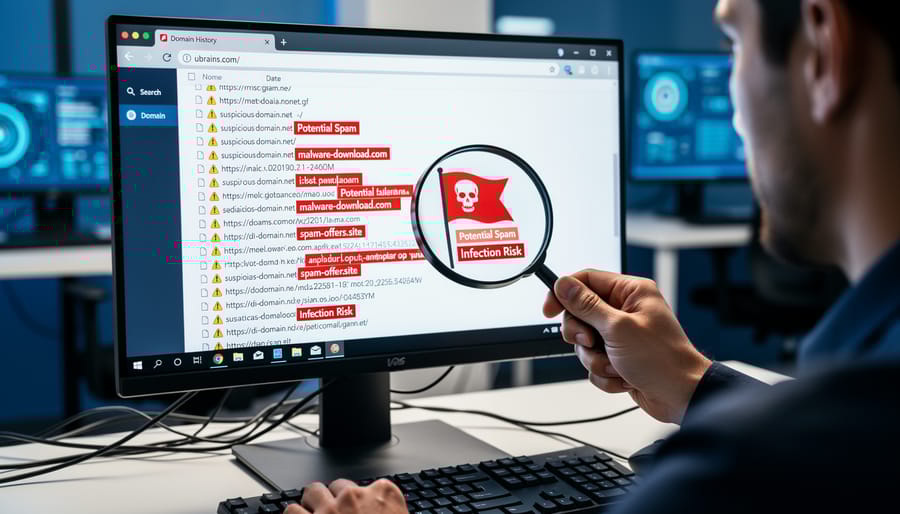
Dig into archive.org snapshots. Evidence of casino spam, pharmaceutical pitches, or link farms in the domain’s history means previous owners exploited it aggressively. Even after delisting, residual damage lingers in proprietary spam filters and enterprise blocklists that update slowly.
If you encounter these flags, walk away. No exceptions. The effort required for toxic link cleanup and reputation repair typically exceeds starting fresh with a clean domain. Your time and sender reputation are too valuable to gamble on rehabilitation.
When a Blacklisted Domain Is Worth Saving (And How to Delist)
Most blacklisted domains aren’t worth the effort, but occasionally a domain with strong, relevant backlinks from trusted sources merits delisting work. If industry-leading publications, .edu sites, or niche authorities link to your domain, and those links align with your content strategy, the juice may justify the squeeze.
Start by identifying which blacklist flagged your domain. Run checks through MXToolbox, MultiRBL, or Spamhaus to pinpoint the source. Each blacklist maintains its own delisting process: Spamhaus requires demonstrating you’ve resolved security issues and implementing proper authentication; Barracuda offers a direct removal request form; SORBS demands proof of policy changes and monitoring.
Realistic timelines range from 48 hours for cooperative lists like URIBL to several weeks for stricter databases. You’ll need to fix underlying problems first, remove malware, configure SPF/DKIM/DMARC records correctly per RFC 7489 (DMARC), secure forms against hijacking, and monitor outbound mail for at least two weeks before requesting removal.
Document every remediation step. Most blacklist operators want evidence of systematic fixes, not promises. Submit detailed delisting requests with timestamps, configuration screenshots, and monitoring logs.
For purchased expired domains, weigh delisting effort against simply finding a clean alternative. The process demands technical skill and patience, often 30-60 days from discovery to full clearance across major lists. In my experience, finding a fresh clean candidate is faster than rehabbing a tainted one for most teams. If you’re protecting your PBN investments, compare the domain’s unique link value against the opportunity cost of delayed deployment.
✓
Worth saving for
- ›Backlinks from .edu, .gov, or industry-leading publications
- ›A single-list flag with a documented, resolvable cause
- ›Cooperative blocklists (URIBL) with 48-hour delisting windows
- ›Content relevance that genuinely aligns with your niche
- ›Domains where you control the full remediation (no shared abuse)
✗
Walk away for
- ›Active Spamhaus DBL or ZEN listings
- ›Google Safe Browsing flags, current or historic
- ›Pharma, casino, or thin-affiliate windows in archive.org
- ›Multiple DNSBL hits across independent operators
- ›Domains where rehab effort exceeds the cost of a clean alternative
Before you click “buy,” spend five minutes on an email blacklist check. A clean domain history is non-negotiable when you’re building links or assembling a private blog network, one inherited spam flag can poison your entire cluster. Run the domain through two or three blacklist databases, scan its MX records, and verify sender reputation scores. If anything returns red, walk away. The upfront vetting is faster than monitoring domain health after a penalty hits your inbox deliverability.
Try it this week
Run the 10-minute poison check on the next three domains you’re tempted to buy.
-
1
Open MXToolbox and MultiRBL. Sweep each domain across 100+ DNSBLs. Zero hits, or it’s done. -
2
Query Spamhaus DBL plus Google Safe Browsing plus VirusTotal. Any current or historic flag is a walk-away. -
3
Click through five years of Wayback snapshots. Pharma, casino, or sudden language flips, and you’re out.
Ten minutes of checks beats six months of delisting work. Every time.
Related guides
- Spotting Expired Domains, Weekly process for surfacing topic-relevant expired domains before competitors find them.
- Cleaning Up Toxic Links, How to disavow and remove the bad backlinks already pointing at your site.

