

Your Crawl Report Is Warning You About Deindexation (Here’s What to Watch)

Monitor your server logs weekly for sudden drops in Googlebot requests to critical pages—anything beyond 30% week-over-week signals potential deindexation risk. Cross-reference crawl frequency against your sitemap priority declarations; pages marked high-priority but crawled infrequently often indicate technical barriers like orphaned URLs, canonicalization conflicts, or redirect chains consuming crawl budget. Flag any URL returning 4xx or 5xx status codes to crawlers more than twice in seven days—intermittent errors become permanent exclusions faster than most site owners realize.
Parse your crawl report for user-agent patterns: if Googlebot-smartphone crawls far exceed desktop crawls but your analytics show balanced traffic, Google may be demoting desktop versions or struggling with mobile rendering. Compare rendered versus fetched HTML in your logs; significant discrepancies suggest JavaScript execution failures that leave content invisible to indexers. Set alerts for crawl rate changes on category and product pages during peak update cycles—search engines interpret inconsistent availability as unreliability, triggering protective throttling that cascades into visibility loss across entire site sections.
What Crawl Log Footprints Actually Tell You
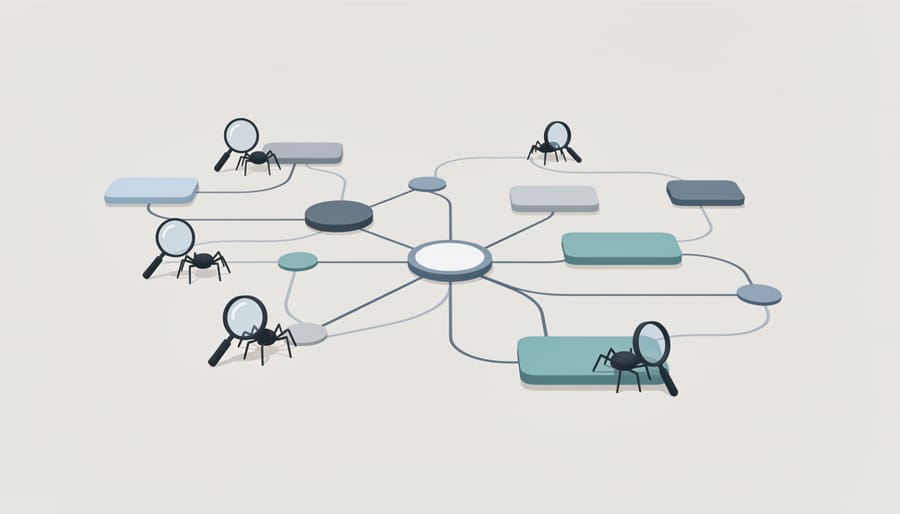
The Three Footprint Signals That Matter Most
Most crawl reports flood you with metrics. Three signals cut through the noise.
Crawl rate decline tracks how many pages bots request per day over a rolling window. A steady drop—say, 30% fewer fetches month-over-month—suggests Google is losing interest or hitting technical barriers. Why it’s interesting: This is often the first visible symptom before pages disappear from the index. For: Site owners managing large catalogs or news archives.
Orphaned URL patterns reveal pages receiving traffic or backlinks but never crawled recently. Filter your analytics for URLs absent from server logs in the past 90 days. Clusters of orphans in a specific subdirectory signal broken internal linking or navigation changes that severed pathways. Why it’s interesting: These pages still exist and may rank, but Google can’t refresh them—decay starts here. For: SEO auditors hunting silent failures.
Status code clusters group responses by type: successful renders (200), redirects (301, 302), client errors (404, 410), and server errors (500, 503). Watch the ratio shifts. A spike in 404s after a migration means broken rewrites; rising 503s indicate infrastructure strain throttling the bot. Why it’s interesting: Each cluster points to a different root cause and fix. For: Technical SEOs triaging post-launch issues or diagnosing traffic drops.
Monitor these three in tandem. Crawl rate sets the pace, orphans expose structural gaps, and status codes flag execution problems.
How Deindexation Risk Shows Up in Your Reports

Early Warning Patterns vs. False Alarms
Not every crawl dip signals disaster. Genuine risk appears as sustained declines—when Googlebot visits drop 30% or more over two weeks without recovery, especially if combined with falling impressions or rankings. Pattern shifts across multiple crawlers (Google, Bing, and specialty bots all reducing activity simultaneously) reinforce the signal. Check whether the decline correlates with what Google actually penalizes, like sudden link scheme exposure or thin content proliferation.
False alarms look different. Weekend traffic drops, holiday lulls, or single-day anomalies rarely indicate structural problems. Seasonal sites naturally see crawler reduction during off-peak months. Single-bot changes often reflect testing or crawl budget reallocation, not devaluation. If your crawl rate dips but impressions hold steady and error rates stay flat, you’re likely fine.
The litmus test: does the decline persist across three data points (weekly snapshots) and align with user-facing metrics? If yes, investigate. If crawl recovers within days or other health signals remain green, monitor but don’t panic. Cross-reference server logs with Search Console performance data—divergence between crawler behavior and search visibility reveals whether you’re facing noise or signal.
Reading Your Crawl Report for Risk Indicators
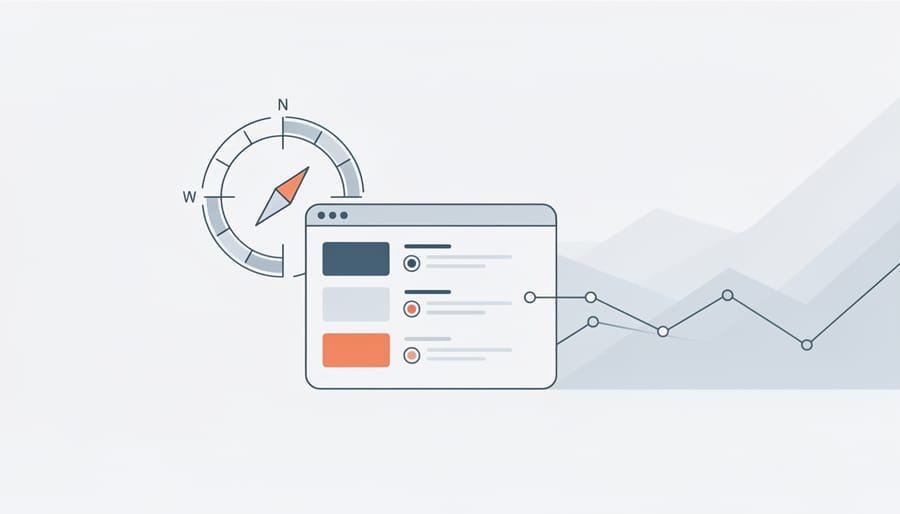
Which Metrics Predict Trouble
Watch three columns closely: crawl budget allocation, discovered-not-indexed queue growth, and fetch errors on high-equity pages. If Googlebot shifts from crawling fresh content to repeatedly hitting low-value pages—error logs, filtered archives, or infinite pagination—your budget is leaking. Track the discovered-not-indexed bucket weekly; exponential growth signals crawl stalls that precede deindexation. Filter fetch errors by inbound link count or PageRank proxy; a 5xx on a page with 200 backlinks hemorrhages link equity and may trigger broader trust penalties. Compare week-over-week crawl rates by page type in Search Console’s URL Inspection tool or server logs. Sudden drops in crawl frequency on core landing pages often precede ranking collapse by two to four weeks, giving you a narrow window to audit site speed, redirect chains, and orphaned URL clusters before Google downgrades your domain’s crawl priority.
What to Do When You Spot a Problem
When your crawl report flags a potential issue, prioritize rapid diagnosis over speculation. Start by auditing internal linking: isolated pages that Googlebot rarely visits often lack sufficient pathways from your main navigation or sitemap. Use tools like Screaming Frog or your CMS analytics to map orphaned URLs and wire them into your site architecture.
Next, check robots.txt and canonical chains. A single misplaced Disallow directive can block entire sections; canonical loops or chains that point to 404s waste crawl budget and confuse indexing signals. Validate these with Google Search Console’s URL Inspection tool.
For URLs showing declining crawl frequency, assess content freshness. Pages untouched for months signal low value to search engines. Update statistics, refresh examples, or consolidate thin content into stronger hubs.
Finally, assess backlink health on pages losing visibility. Toxic or broken inbound links erode authority and discourage crawling. Disavow spam domains and repair or redirect legitimate links pointing to dead URLs.
Document each fix in a spreadsheet with before-and-after crawl stats. Most issues surface again if root causes—like CMS misconfigurations or editorial workflows—remain unaddressed. Treat crawl anomalies as symptoms, not isolated glitches.
Tools and Workflows That Make Monitoring Practical
Most teams don’t need enterprise platforms to spot deindexation risks early. Screaming Frog Log File Analyser parses server logs locally and surfaces crawl-frequency shifts, orphaned URLs, and status-code spikes—ideal for smaller sites or one-off audits. Botify and OnCrawl offer cloud dashboards with anomaly detection and historical trending, suited to larger inventories where manual checks don’t scale. For custom needs, a Python script reading Apache or Nginx logs can filter Googlebot requests, flag drop-offs in key directories, and email summaries weekly.
The key is setting thresholds that match your site’s rhythm: a 30 percent drop in bot visits to /blog/ over seven days warrants investigation; daily jitter doesn’t. Pair log alerts with Search Console coverage reports to cross-check discovered versus indexed counts. This lightweight stack lets you monitor before they hurt without parsing gigabytes manually every week.
Crawl reports function as early-warning systems, not post-mortems. They surface signals while you still have time to respond—before orphaned pages disappear from the index or crawl budget shifts away from revenue-driving content. Treat crawl footprint analysis as part of routine SEO health monitoring, not a crisis-response tool. Check weekly for anomalies in bot behavior, URL distribution, and status code patterns. Small deviations caught early require simple fixes; ignored signals compound into emergencies that demand site-wide remediation. The data already exists in your logs—extracting it regularly turns technical diagnostics into preventive maintenance.

